Remembers every moment.
Every video, photo, recording and document, understood moment by moment: what was said, what was shown, and when.

The memory for everything your team has filmed, photographed and recorded. Search it in Soontra, or from Claude and ChatGPT.
Free plan · No card needed
Works with




Every video, photo, recording and document, understood moment by moment: what was said, what was shown, and when.
Results from YouTube, Instagram and TikTok flow back to the footage behind each post, so it knows which shots earn.
Ask for the outcome. Soontra finds the moments, cuts the versions, drafts the posts and waits for your approval.
Plug in the tools you already use. Every connection gives the brain more to remember, and more it can do for you.

Video, photos, audio and documents, remembered by what’s shown, said and written in them.
 Start for free
Videos and images
Up to 8 hours a video, remembered moment by moment.
PDF, documents
Every clause, table and signature, found by what it says.
XLSX, etc
Ask in plain words and get the rows, and the answer.

Producer agent
Working on its own
“Whenever a shoot lands, log every take, cut the best into a selects reel and get it ready for the client.”
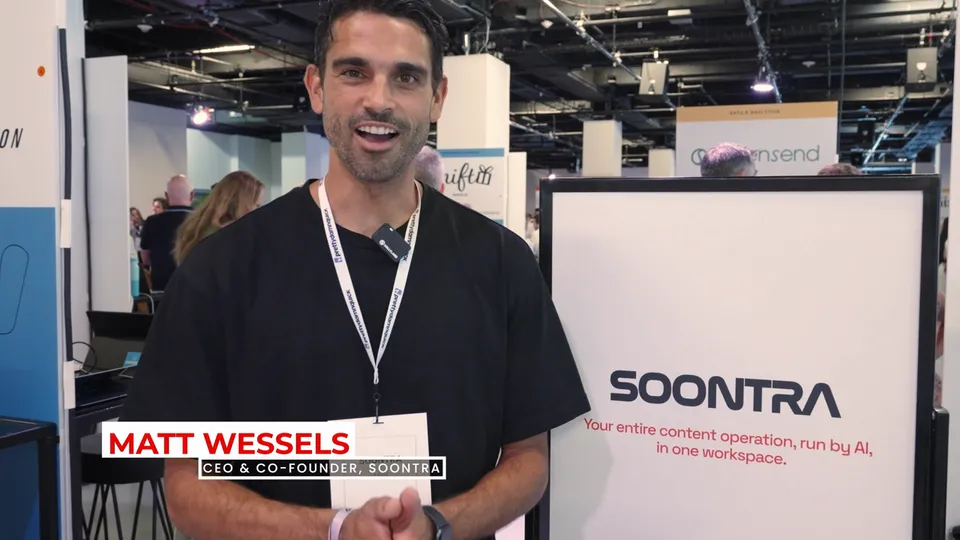 0:24“We built it for teams drowning in their own footage.”Interview · Cam A · 0:42
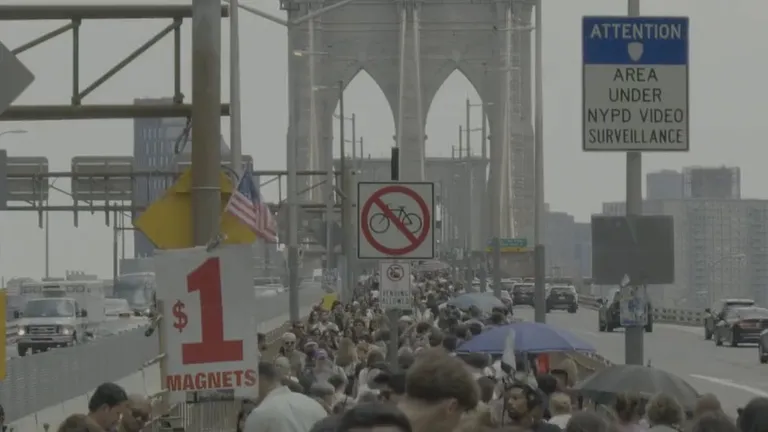
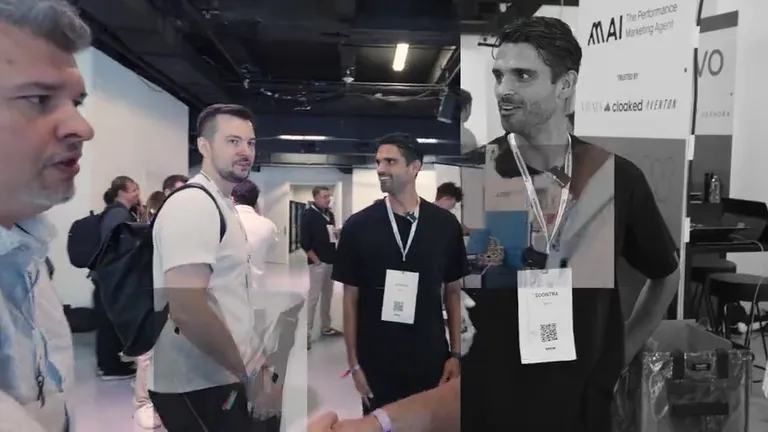
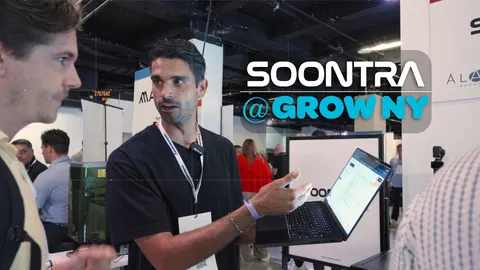
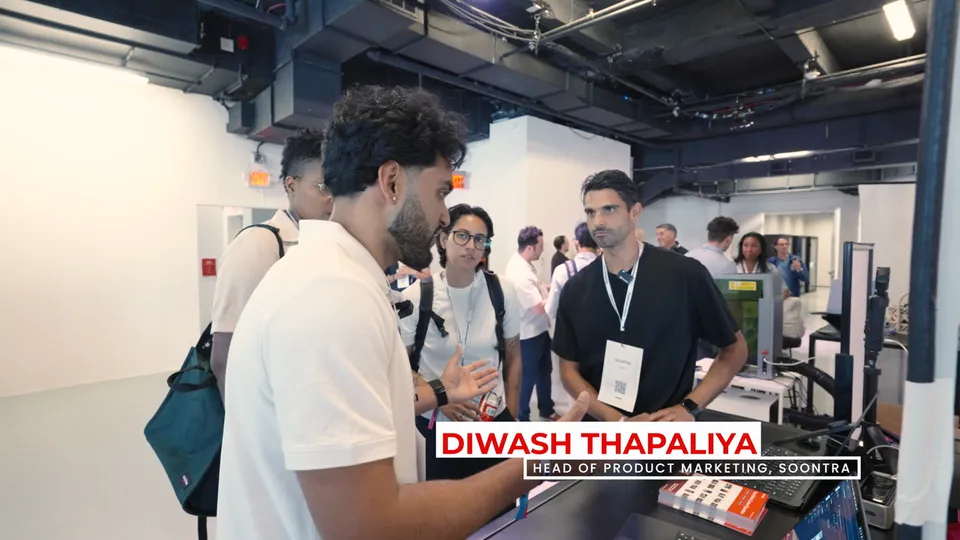 0:18“Ask it for a moment, and it takes you to the second.”Booth demo · Cam B · 3:17
 0:21“Every shoot you’ve ever done, searchable tonight.”Interview · Cam A · 11:05
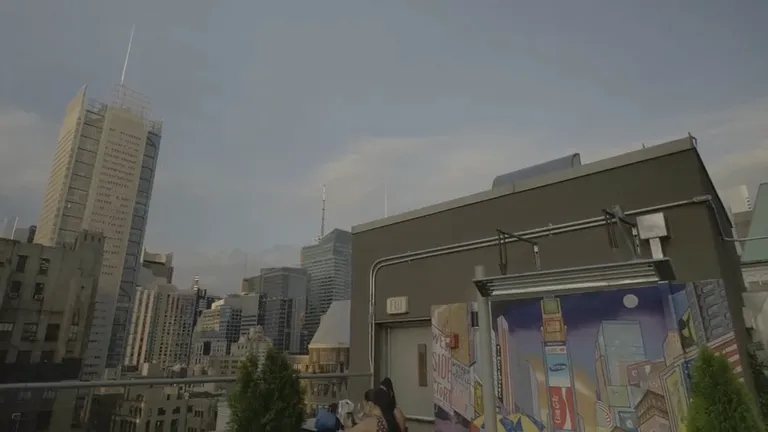
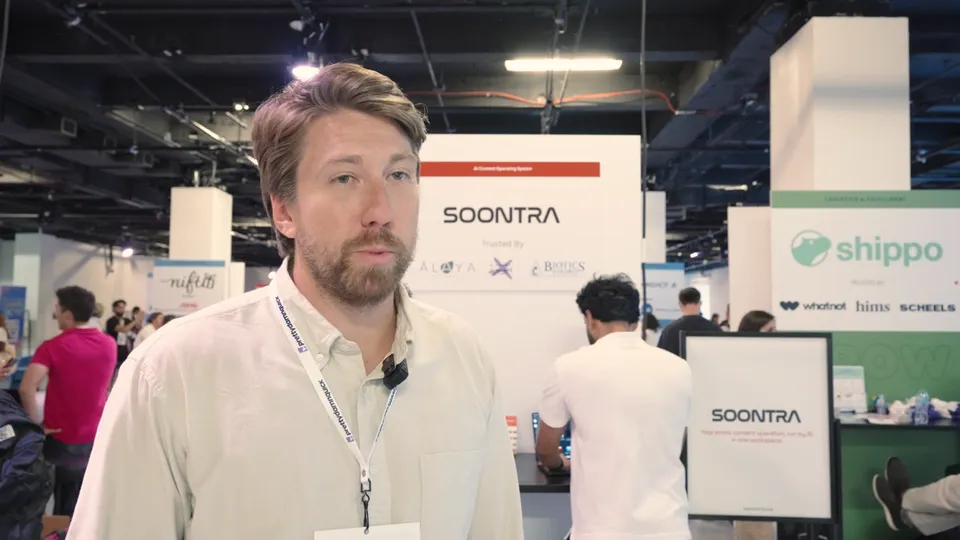 0:09“The UI looks amazing.”Floor · Handheld · 24:51
“Log every shoot that lands and cut the best takes into a selects reel.”
0:240:180:210:09I logged all 38 takes from Shoot 14 and cut the best 6 into a 2-minute reel.
38 logged · 6 selected
Connect once. Your AI finds any moment and leaves drafts. It never publishes.
setupOAuth · Claude Pro/Max or Team/Enterprise · Public HTTPS
List my Soontra projects.
Claude, ChatGPT, Cursor and VS Code belong to their owners. Soontra connects over the open Model Context Protocol and is not affiliated with them.
Up to 8 hours a video, remembered moment by moment.
8Hrs
Per video, every scene and every word.
15Seconds
Per moment a search lands on.
27Formats
of file types.
| Capability |  Media Memory Media Memory |  Video AI Video AI |  Video AI Video AI |  Creative Asset Creative Asset |  Video Review Video Review |  Work Search Work Search |  AI Notebook AI Notebook |
|---|---|---|---|---|---|---|---|
| What it searches | |||||||
| Video: what is shown | Yes | Yes | Yes | Yes | NoMetadata only | NoMetadata only | NoNo Video Files |
| Video: what is said | Yes | Yes | Yes | Yes | PartlyZoom and Gong Calls | Not Documented | PartlyYouTube Captions |
| Images | Yes | Yes | Not Documented | Yes | PartlyText only, if enabled | Yes | Not Documented |
| Audio files | Yes | PartlyDeveloper API | Not Documented | Yes | PartlyCall transcripts | Not Documented | Yes |
| PDF and Word docs | Yes | PartlyPDF, Developer API | No | PartlyText in PDFs | Yes | Yes | Yes |
| What it does | |||||||
| Whole archive, one search | Yes | Yes | Yes | Yes | Yes | Yes | NoNo Video Sources |
| Ties results to the work | Yes | No | No | PartlyMeta ads, Enterprise | No | No | No |
50 GB in a single file, the most of any platform here.
| Platform | Largest single file |
|---|---|
| Soontra | 50 GBEnterprise; 25 GB on other plans |
 Air Air | 10 GBVideo Intelligence |
 TwelveLabs TwelveLabs | 4 GBMarengo 3.0 search index |
 Gemini API Gemini API | 2 GBFiles API, kept 48 hours |
Every plan includes smart search across your footage, the Astrono agent and publishing. Paid plans add brands, editors, storage and AI Credits.
For trying Soontra on one brand
$0/ month
Free forever
$0/ month
Free forever
 Start for free
500 AI Credits / month
About 50 video-minutes indexed or 7 Astrono actions
For solo creators
$29/ month
Billed monthly
$24.17/ month
$290 billed yearly
Start with Starter4,000 AI Credits / month
About 400 video-minutes indexed or 55 Astrono actions
For teams and small agencies
$199/ month
Billed monthly
$165.83/ month
$1,990 billed yearly
Start with Business30,000 AI Credits / month
About 3,000 video-minutes indexed or 420 Astrono actions
Everything in Starter, plus
For large teams and agencies
Custom
On an annual agreement
Custom
On an annual agreement
200,000+ AI Credits / month
About 20,000+ video-minutes indexed or 2,800+ Astrono actions
Everything in Business, plus
Free needs no card. Cancel or change anytime. Plan credits reset monthly; top-up credits never expire.
AI Credits pay for indexing, generation and agent work: 1,000 credits index about 100 minutes of video.
Need more? Add AI Credits, storage, brands or editors to any paid plan.
Not sure which plan fits?
Didn’t find what you need?
We listen closely. Ask a question, or see our full documentation here.


Notion and ClickUp are general-purpose tools that content teams bend to fit content work. Soontra was built for content from the start: your footage is indexed and searchable, reviews happen on the asset, and publishing is built in (currently in pilot). Soontra understands your actual footage, not just your task list.
A DAM stops at the asset. Air helps you organize and approve creative; then you download, re-upload, and lose the thread. Soontra keeps going: the same asset flows from Drive into a scheduled post, publishes to your channels (publishing is currently in pilot), and reports back its performance. One loop, no exports.
Video, audio, images, and documents: PDFs, decks, scripts, contracts, and more. Everything is transcribed, tagged, and indexed within minutes of upload, so you can search it by what you remember instead of what you named it.
Yes, in pilot. In workspaces with publishing enabled, connect YouTube, Instagram, TikTok, X, and LinkedIn, then publish or schedule posts (including X threads) from the composer. Analytics dashboards cover YouTube, Instagram, and TikTok; X and LinkedIn are publish-only. Connect your social accounts
Yes. Shared libraries, review flows, and role-based permissions are included on every plan. Business includes 5 editors and Enterprise 20 or more, and Starter and Business can add editors at $15/month each. Guests who view and comment are free on every plan. Agencies run a separate workspace per client, with client-facing review links protected by password.
Yes, Soontra has a free plan. Free is $0 with no card needed: 500 AI Credits a month, one brand and 5 GB of storage. Starter is $29/month with 4,000 AI Credits and 100 GB, and Business is $199/month with 30,000 AI Credits, 3 brands, 5 editors and 1 TB. Paying yearly gets you 2 months free. Enterprise is priced on an annual agreement. Compare the plans
AI Credits pay for the AI work Soontra does for you: indexing your media, generating images and video, and Astrono agent actions. Indexing a minute of video uses 10 credits, so 1,000 credits cover about 100 minutes. Every plan includes credits that reset monthly, and paid plans can add more with a monthly add-on or a top-up that never expires.
Yes. We use enterprise AI APIs that do not train on customer data. Your footage, documents, and transcripts stay in your workspace, visible only to the people you invite. Agencies keep each client in a separate workspace with no crossover.
Yes. Soontra replaces them as the place your content lives, and connects to them as the interface you work in. Our MCP server lets Claude, ChatGPT, or Cursor search your files, create posts, and pull analytics directly from your workspace. How MCP connections work



 YouTube
 Instagram
 TikTok


 Dropbox
 Meta Ads
 Google Ads
 Salesforce
 Slack
Slack